Mailblocks for Resend
React Email templates for Resend.
Resend and React Email come from the same team, so Mailblocks templates drop straight in: pass the component as react and Resend renders the HTML and plain-text versions for you.
- 1
Copy the
emails/andcomponents.tsxfolders from the kit into your app (or keep the kit as a workspace package). - 2
Set your logo, colours and address once in
mailblocks.config.ts. - 3
Import a template and send it with
resend.emails.send.
import { Resend } from "resend";
import Welcome from "@/emails/welcome";

const resend = new Resend(process.env.RESEND_API_KEY);

await resend.emails.send({
  from: "Fieldnote <hello@fieldnote.app>",
  to: user.email,
  subject: "Your Fieldnote workspace is ready",
  react: <Welcome style="clean" firstName={user.firstName} />,
});- Every template is a plain function component with typed props and sample defaults, so the React Email preview server (
pnpm dev) works out of the box. - Prefer pre-rendered HTML? Send
htmlandtextfromdist/instead ofreact. - Batch sends (
resend.batch.send) work the same way — one element per message.
Resend docs: resend.com/docs/send-with-nextjs
Popular with Resend users
Get all 40 — $19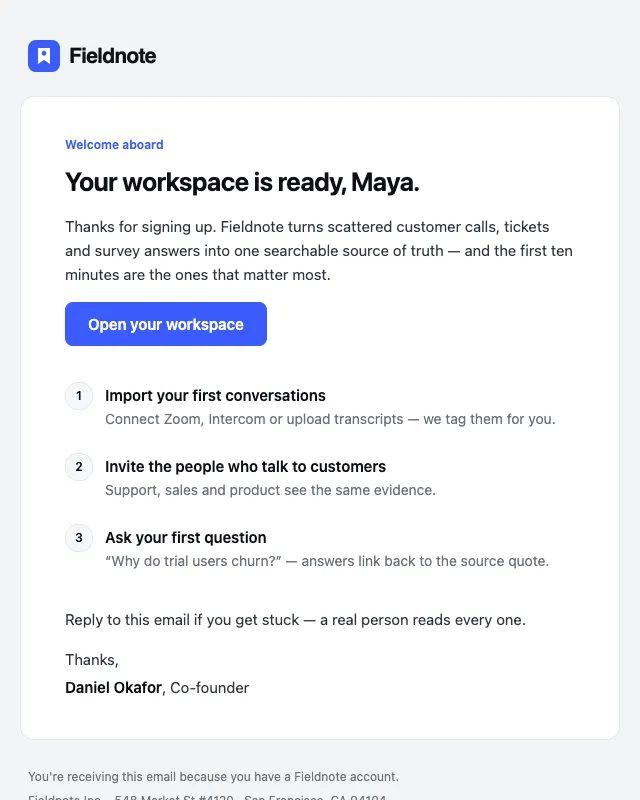 Free
FreeWelcome
№01 · OnboardingA founder-signed welcome with one primary action and a three-step activation checklist.
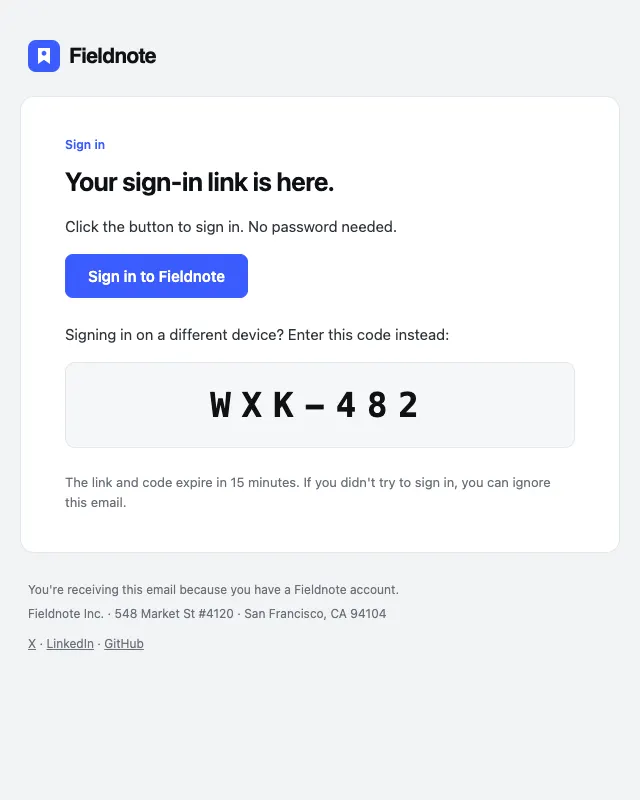
Magic link
№15 · SecurityPasswordless sign-in link with a backup code, in the style of Linear and Vercel.
 Free
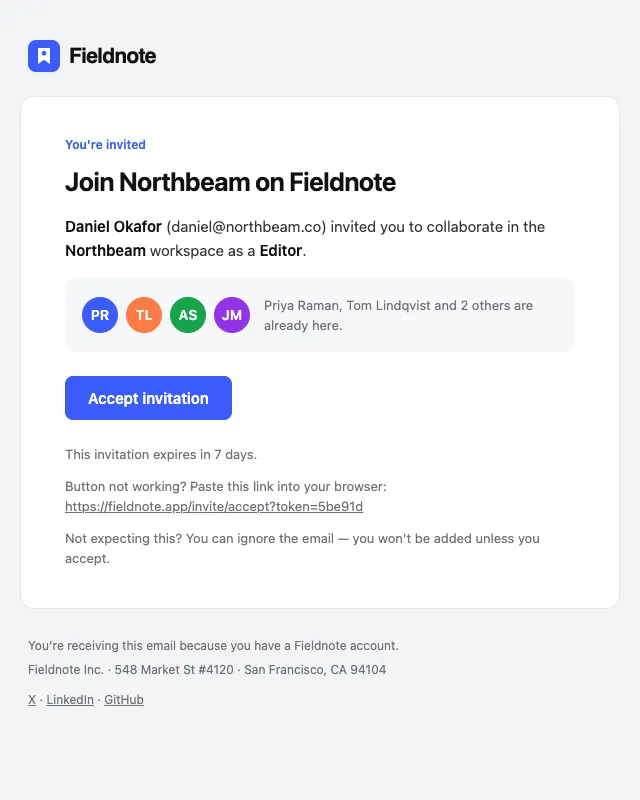
FreeTeam invite
№27 · TeamWorkspace invitation with inviter, role and team preview — the email that drives viral growth.
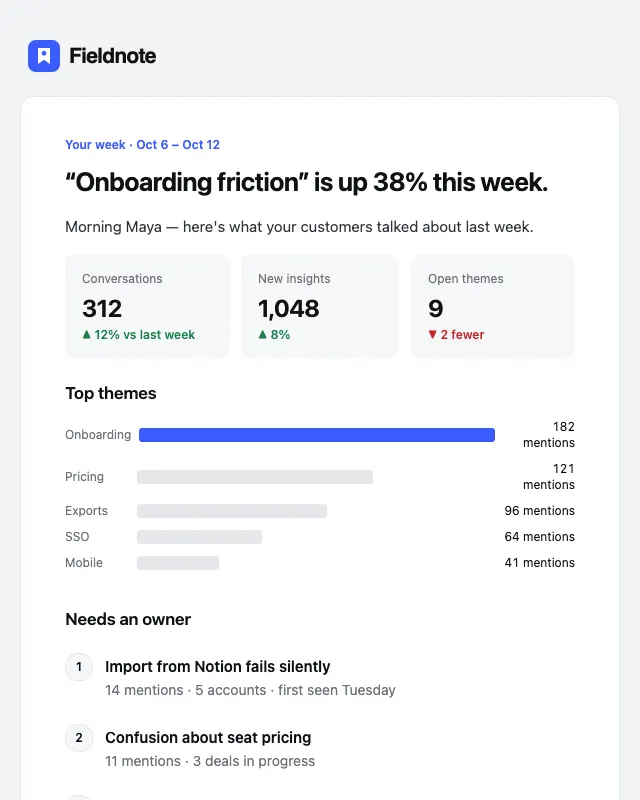
Weekly digest
№20 · ProductWeekly summary with headline stats, a chart and the top items that need attention.