Minimal signature
Name, role, company and one link — the signature that never looks wrong.
0.6 KB
Code
import * as React from "react";
import { domain, resolve, sans, T, type SignatureProps } from "./_person";

export default function SignatureMinimal(props: SignatureProps) {
  const { person: p, brand: b } = resolve(props);
  return (
    <T style={{ fontFamily: sans }}>
      <tr>
        <td style={{ paddingTop: 8, fontSize: 14, lineHeight: "20px", color: "#111418", fontWeight: 600 }}>{p.name}</td>
      </tr>
      <tr>
        <td style={{ fontSize: 13, lineHeight: "19px", color: "#5B616B" }}>
          {p.role}, {b.name}
        </td>
      </tr>
      <tr>
        <td style={{ paddingTop: 4, fontSize: 13, lineHeight: "19px" }}>
          <a href={b.url} style={{ color: b.primary, textDecoration: "none" }}>{domain(b.url)}</a>
        </td>
      </tr>
    </T>
  );
}
<table role="presentation" cellPadding="0" cellSpacing="0" border="0" style="border-collapse:collapse;font-family:-apple-system, BlinkMacSystemFont, 'Segoe UI', Helvetica, Arial, sans-serif"><tbody><tr><td style="padding-top:8px;font-size:14px;line-height:20px;color:#111418;font-weight:600">Maya Chen</td></tr><tr><td style="font-size:13px;line-height:19px;color:#5B616B">Head of Product<!-- -->, <!-- -->Fieldnote</td></tr><tr><td style="padding-top:4px;font-size:13px;line-height:19px"><a href="https://fieldnote.app" style="color:#3B5BFD;text-decoration:none">fieldnote.app</a></td></tr></tbody></table>Maya Chen
Head of Product, Fieldnote
fieldnote.app (https://fieldnote.app)
Related

Founder
№32 · SignaturesPhoto or initials, name and title, plus a book-a-call link for sales conversations.
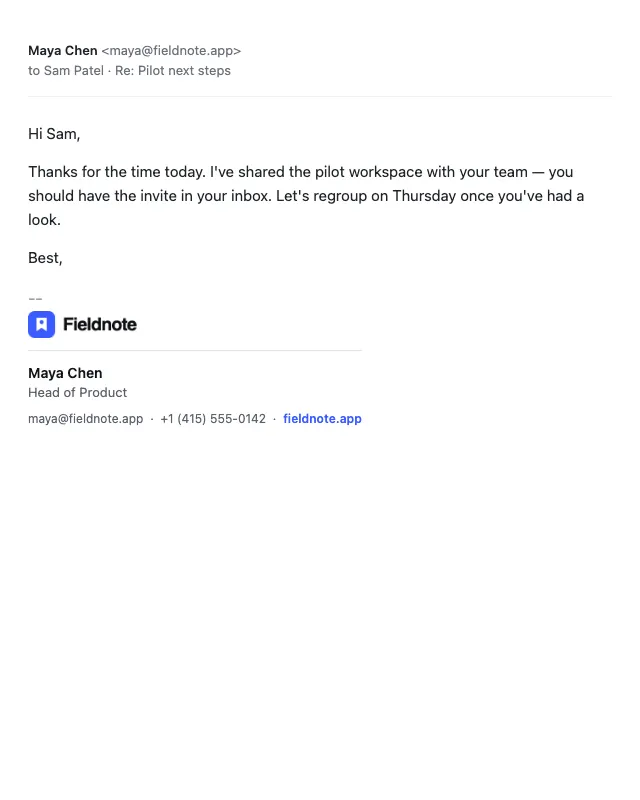
Stacked logo
№33 · SignaturesCompany logo above contact details, separated by a hairline rule.

Accent bar
№34 · SignaturesVertical brand-colour bar beside the details — a modern, compact look.
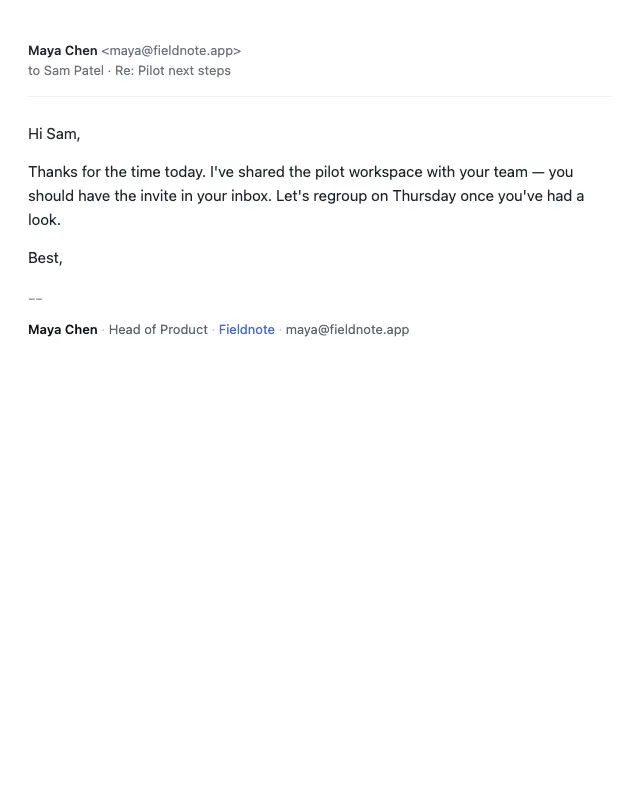
One line
№35 · SignaturesEverything on a single line, separated by middots — ideal for replies and threads.